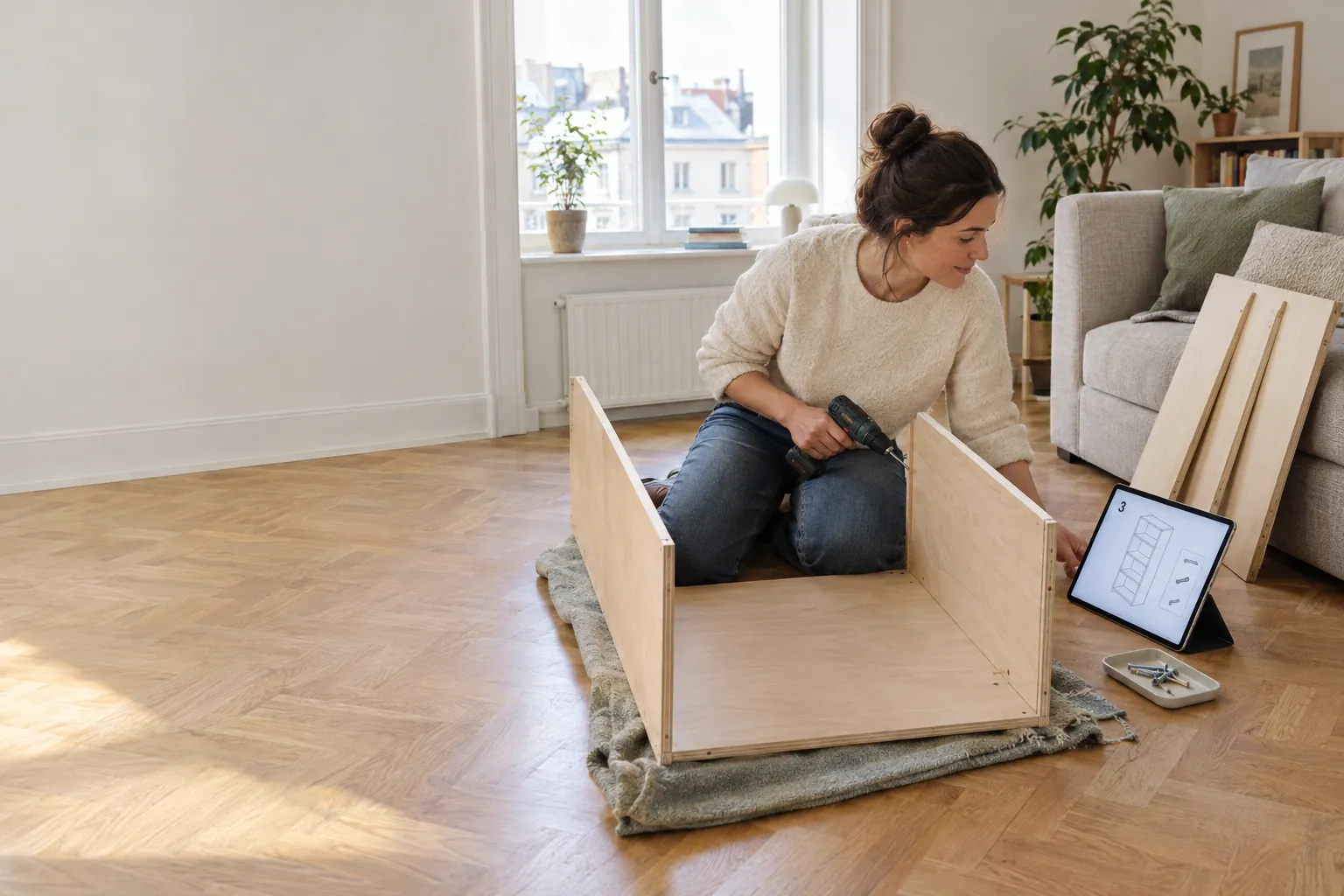
Assembly
An assembly guide written for your piece.
Generated from your design, one small action at a time, with the parts each step needs and a check before you move on.
Most instructions describe a piece someone else designed, in steps someone else needed. These describe yours.
Step by step
One small action at a time.
1Lay out the parts.Eight panels and 35 screws. Check each one against the parts page before you start.8 panels, 35 screws
2Join the bottom to the left side.Two screws through the side into the bottom panel.Front edges flush
3Add the right side.Two more screws, the same way.Bottom sits square between the sides
4Fit the three shelves.Two screws at each end of every shelf, twelve in all.Each shelf level before the next
5Fix the top.Four screws through the sides into the top.The box stands square on its own
6Screw on the back.Fifteen screws around the edge and into each shelf. The back keeps the whole piece square.Back flush with the sides all round
7Fix it to the wall.Stand it where it will live and anchor it with a fixing that suits your wall.Tall furniture is always anchored
On paper or on a phone
Print it as a booklet.
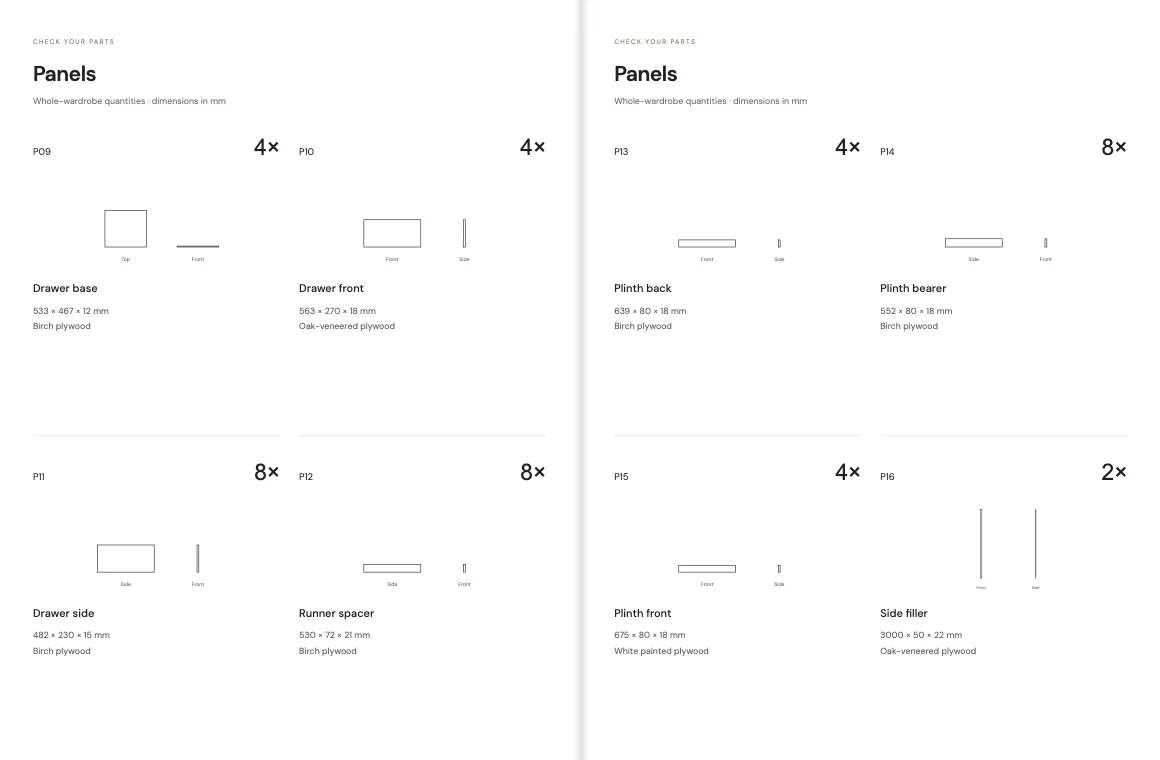
A4, one action per page, opening with every panel and fitting numbered to match the cut list. Or follow it in the browser on a phone propped against the wall.
What every guide does
Written like a good carpenter would explain it.
1
Action per page
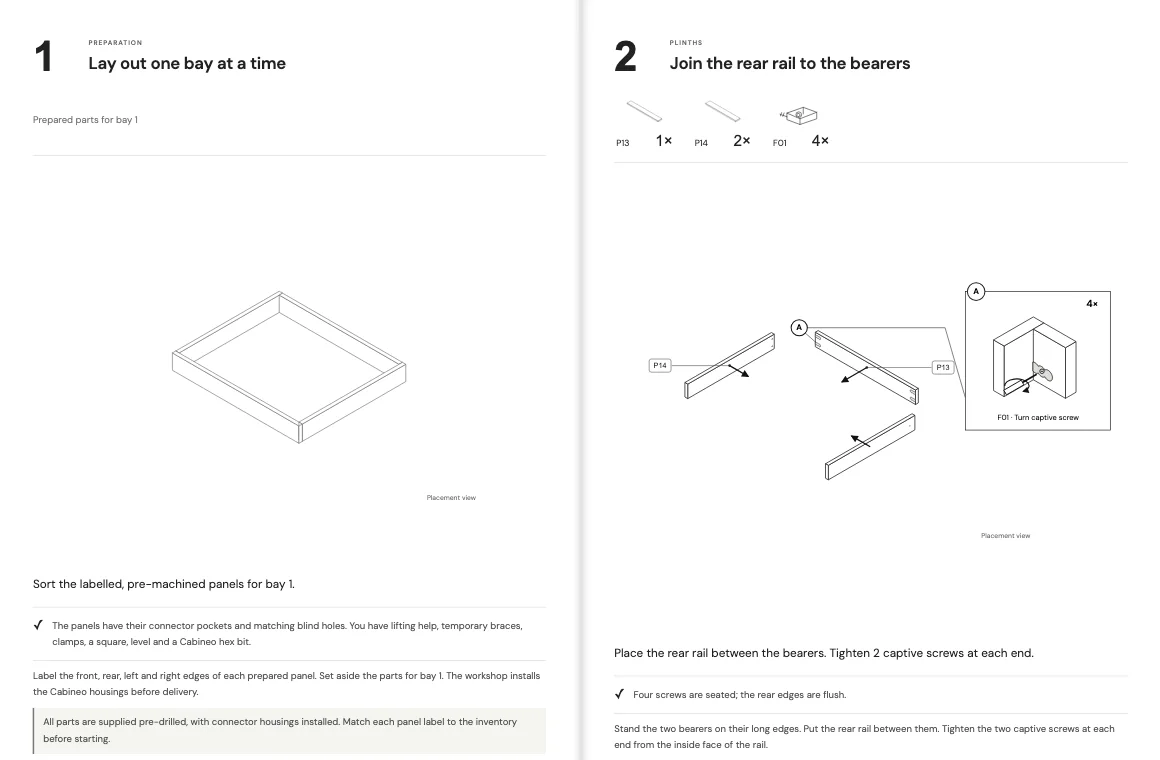
Each step has a number, a drawing, the parts and fixings it uses and one short instruction.
A check on every step
Before you move on, the guide says what should now be true: edges flush, screws seated, shelf level.
Parts you can find
Every panel and fitting is numbered to match the cut list.
Starts with safety
Lifting help, building upright, fixing to the wall: said before step one.
Close-ups of the joints
Where a fixing goes in, a detail shows the connection.
Questions
Assembly, answered.
Is the guide specific to my design?
Yes. It is generated from your model, so the steps, parts and quantities are for the piece you designed. Change the design and the guide changes with it.
Can I follow it on a phone?
Yes. It opens in the browser on a phone or tablet, and it prints as an A4 booklet.
The rest of the product
Spaces
Recreate your room from photos and measurements, then design inside it.
Design
Describe the piece, bring the hardware you want to use, and refine a 3D model.
Cut lists
Every panel dimensioned, with drilling positions for each face.
What would you build if it only had to fit your room?
Show Caminu your room and describe the piece. You get the 3D model, the cut list and the assembly guide.